
WebP to PNG Converter
WebP to PNG Converter is a free online tool that easily converts WebP images to PNG within seconds while preserving the original image quality. No separate software is required.
Written by SamundraLast updated
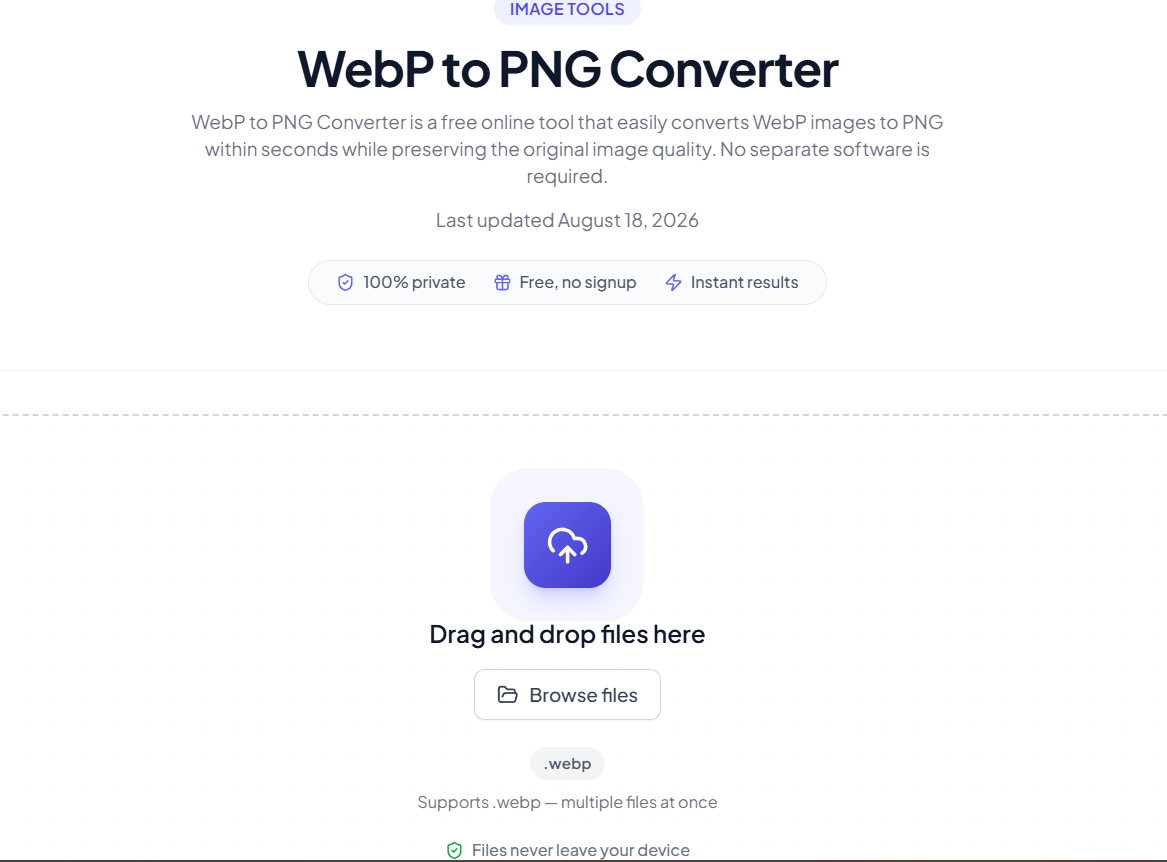
Drag and drop files here
Supports .webp — multiple files at once
Your files are never uploaded anywhere — conversion happens entirely on your device.
No files yet
Add files above to start converting.

Introduction
A WebP to PNG Converter is a free online tool that allows us to easily and quickly convert WebP image files into PNG format. When using this tool, the original image quality is preserved, and it also reduces the file size for storage. WebP is an image format developed by Google. It supports both lossy and lossless compression effectively, which helps enhance website performance and allows images to load faster.
However, WebP is not always useful because it does not support every application, operating system, or device, and some devices may not support it. Therefore, nowadays, to make work easier, faster, and better, WebP images are converted into PNG format, which is easily supported by most devices and provides high performance.
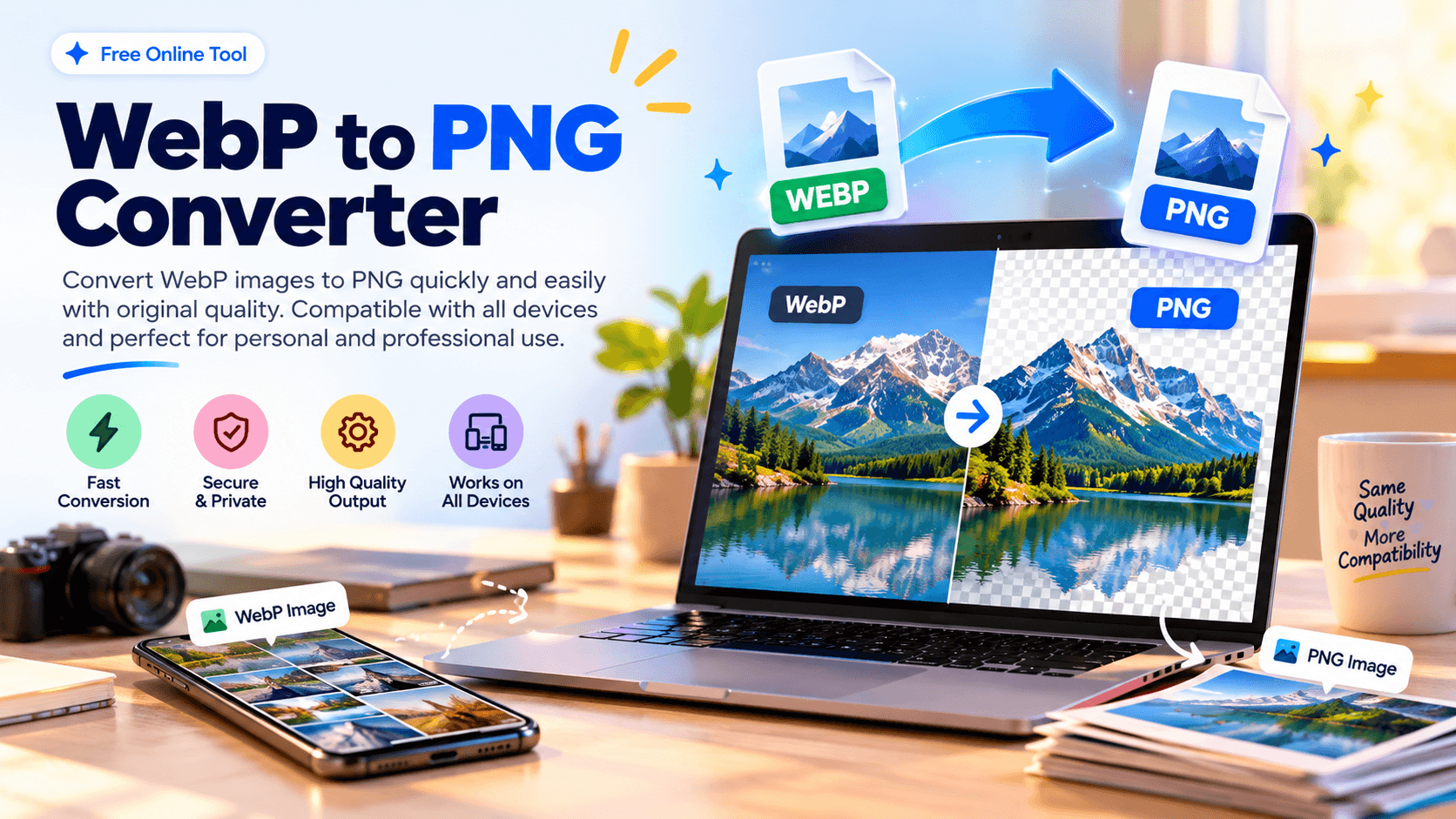
PNG (Portable Network Graphics) is a lossless image format that allows us to easily store files while maintaining their original quality. PNG can be easily used on all devices and is well supported across all platforms, and it is especially useful for logos, icons, and graphics. Not only that, but it can also be easily used for graphic design, creating marketing materials, editing images, and building websites. When we use it, we can get our files in their original quality. This process can be used effectively for all types of purposes, whether it is for personal work or business, and it helps to improve efficiency.
WebP to PNG Converter is a very simple and fast way, so it is useful for almost every type of work and is accessible to students, designers, developers, photographers, content creators, and everyday users alike. It is not only easy to use, but it is also secure, so when we use it, we can keep our data completely secure because it protects sensitive or personal data. It is very reliable and generates high-quality output, which makes it easier for users to complete their work. It works on all devices, which is why many users can use it. It is very user-friendly and versatile as well, so we can use this tool confidently.
Supported Files, Limits & Output
Useful Tooler's WebP to PNG Converter supports WebP image files, making it suitable for converting modern web images into the widely supported PNG format.
Supported Input Formats
- WEBP (.webp)
You can select a supported WebP image from your computer, laptop, tablet, or smartphone and convert it using the tool.
The file size, resolution, image quality, transparency, and other properties may vary depending on the original WebP image and the software used to create or edit the file.
Output Format
After conversion, you can save the converted image in PNG format.
- PNG (.png)
The output image keeps its visible image content and quality while converting it into the PNG format. If the original WebP image contains transparency, the converter can preserve transparency in the PNG output when supported.
Try for SVG-to PNG
How to use
Open and Upload the File
Click the Upload button and choose the WebP image from your device.
Convert Files into PNG
After uploading the files, the WebP files are converted into PNG format. The conversion process is simple and quick.
Download PNG Files
Once the files have been converted into PNG format, you can easily download and store the converted PNG files on your device.
Frequently asked questions
Does the quality reduce when converting WebP to PNG?
No, the quality does not change. Even after converting the image to PNG, you can store it with its original quality.
Is the WebP to PNG Converter tool free?
Yes, this tool is completely free and can be easily used on any platform.
How can I convert WebP to PNG?
First, upload the WebP file. Then, it will be easily converted into PNG within seconds without reducing its original quality.
Is our data secure when using the WebP to PNG Converter?
Yes, this tool is very reliable and secure. It properly protects all data from unauthorized access.
Last updated:
Share this tool
Know someone who'd find it useful? Send it their way.